
Record, amend and export an incident as PDF
Type, place, people involved, notified bodies, damage and measures in one place. From Standard.
Incidents are available from the Standard plan. Instead of notes and chats, you record everything in one place: right on a smartphone, where it happens.
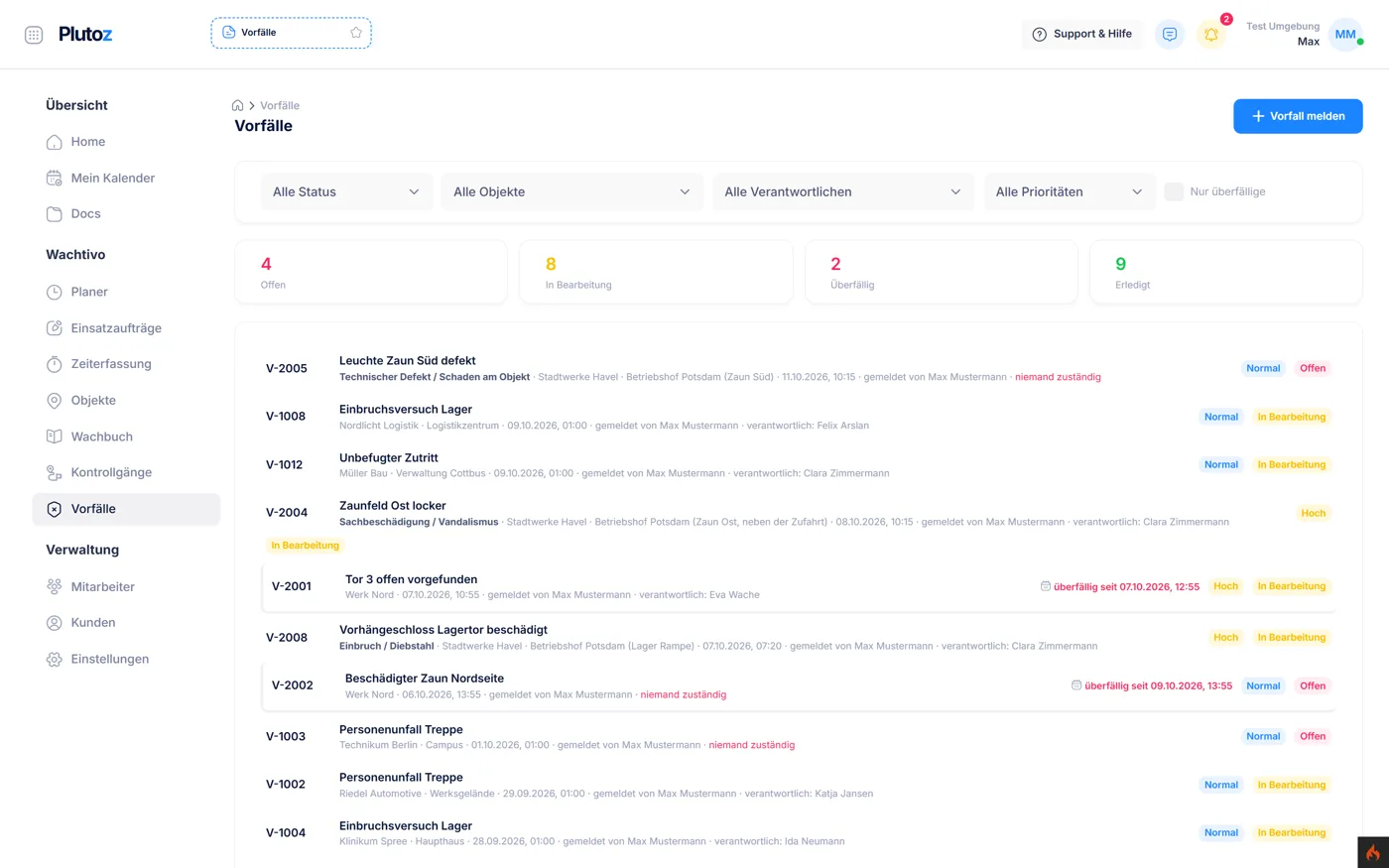
What you can record
- incident type (10 types) and urgency,
- place at the site as text and as a marker on the plan,
- people involved,
- notified bodies: police, fire service, rescue, client, each with time and reference number,
- damage and immediate measures,
- photos.
If you like, the incident is entered in the logbook at the same time (Keep the logbook).
Take over, amend, close
- Record the incident with the details you have.
- Take it over and accompany it with notes.
- Add details later. Changes stay visible in the history with the old version.
- Close the incident.
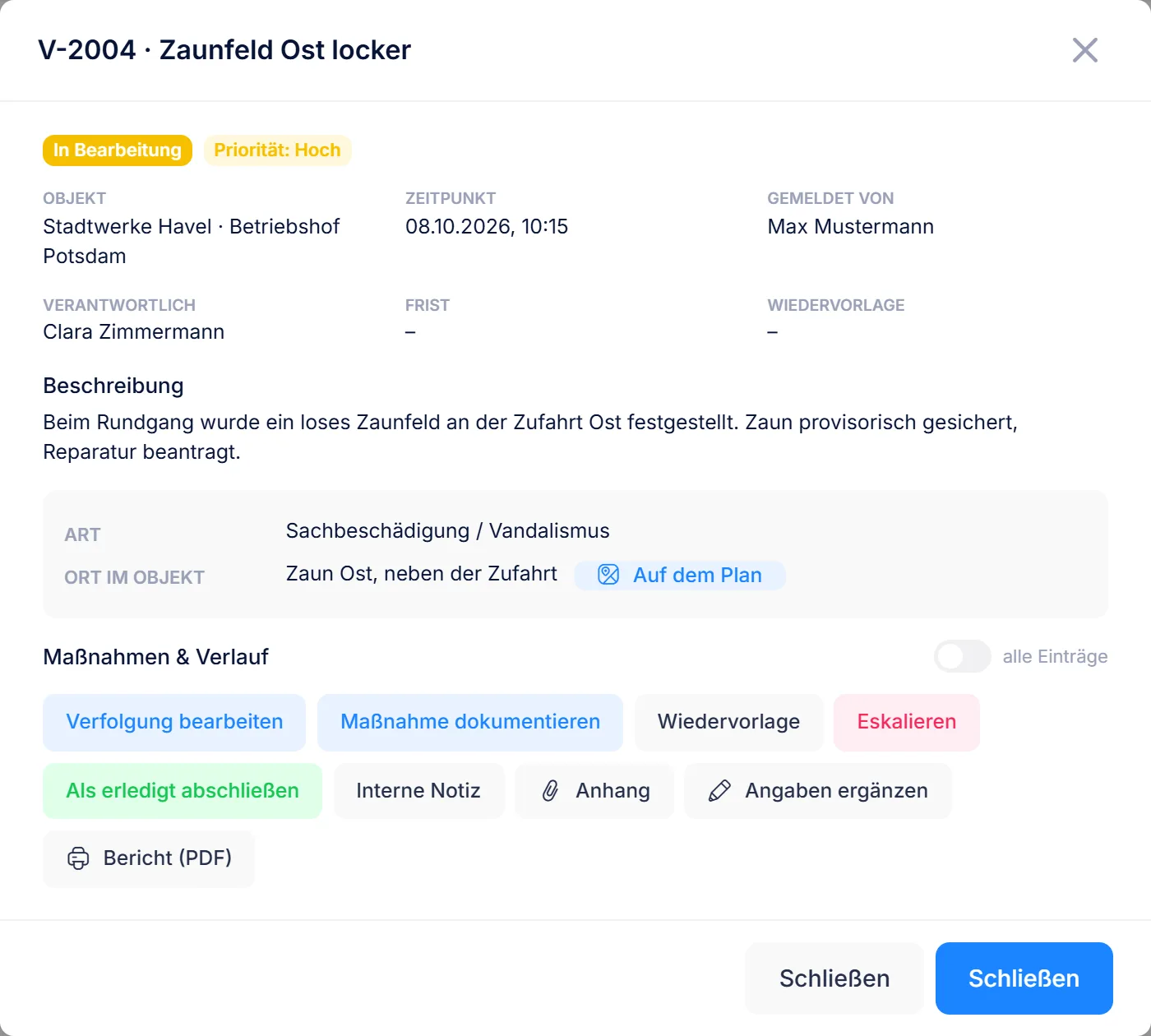
Incident report as PDF
You export the incident report as PDF, for example for clients or authorities.
Closing an incident requires the role to have the permission “Delete incidents” (Roles and permissions).
Frequently asked questions
Can I add details later?
Yes. Changes stay visible in the history with the old version.
Who sees the incident?
That depends on role and responsibility (Understand roles and permissions).
Was this page helpful?
Question not answered? Write to support