
See the team’s live status
Who is clocked in and what are they working on?
The team view shows who is working right now and on what. This way you keep an overview without having to ask.
What you see
- the status of employees
- when the current work period began
- the job or activity, if given
Filters
Filters separate clocked-in people, employees without a current shift and absent people.
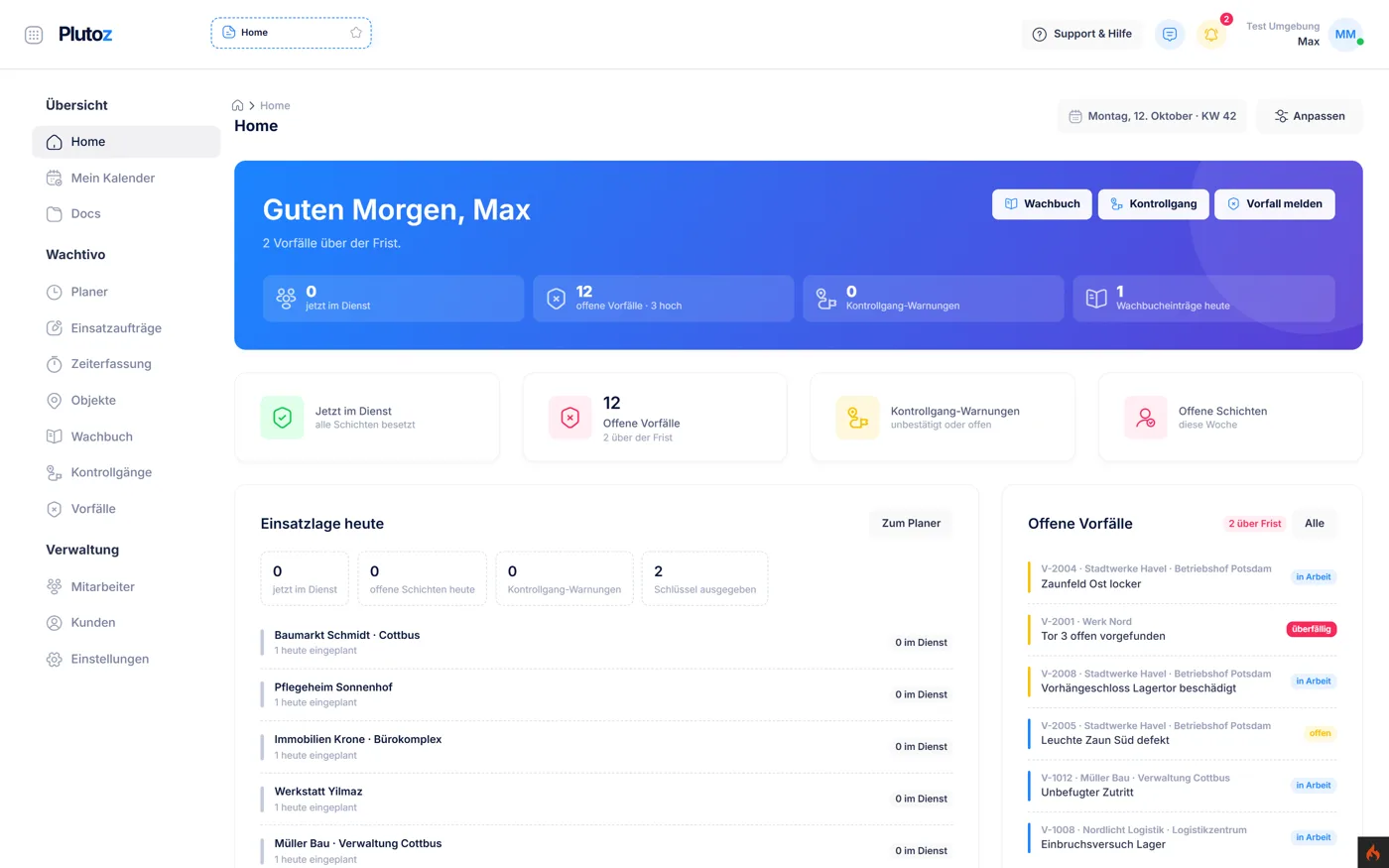
Manager’s home page
It bundles the operational picture per site, open shifts, patrol warnings, incidents and issued keys.
Was this page helpful?
Question not answered? Write to support