
Run a patrol and record checkpoints
Scan checkpoints via QR code or NFC; the patrol lands in the log. From Standard.
Patrols are available from the Standard plan. Checkpoints can be scanned via QR code or NFC, and the patrol is recorded with all checkpoints in the log.
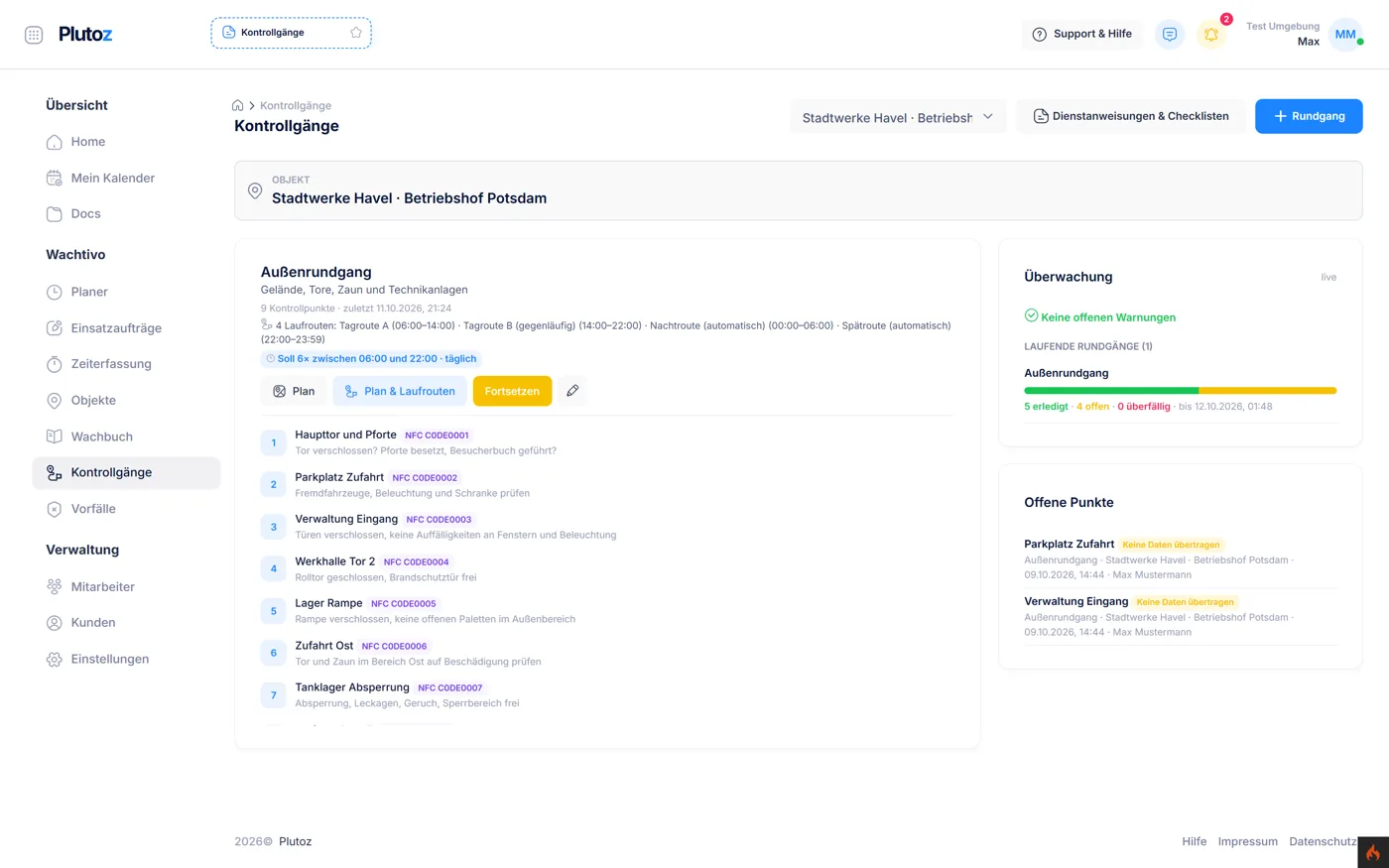
How a patrol works
- Start the patrol at the site (shortcut in “My assignments”).
- Plutoz picks the matching route (Create routes).
- Scan the checkpoints one after another. Each visit is stored with time and capture method.
- The patrol shows the walked path on the plan.
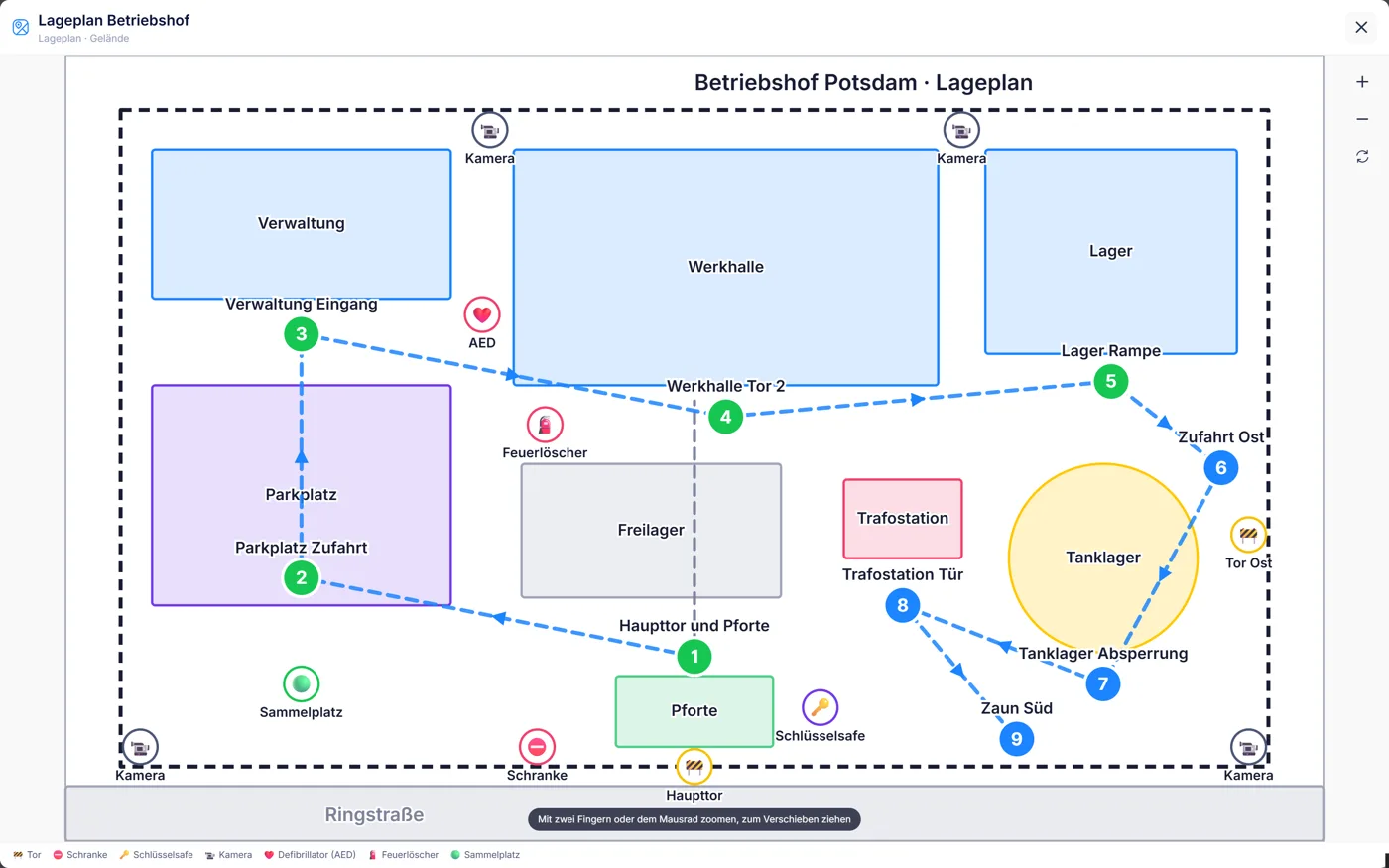
Alarm for a missed patrol
If a patrol is missed, Plutoz raises an alarm. Management sees warnings on their home page. If a visit arrives late, it closes the existing warning. No duplicates are created.
Manually recorded visits are never counted as NFC proof. The capture method is stored separately.
Frequently asked questions
Which checkpoints are supported?
Checkpoints can be scanned via QR code or NFC.
What if there is no network?
Offline capture is planned but not yet available (Offline capture).
Was this page helpful?
Question not answered? Write to support